For event organisers
Simple to set up, easy to keep current
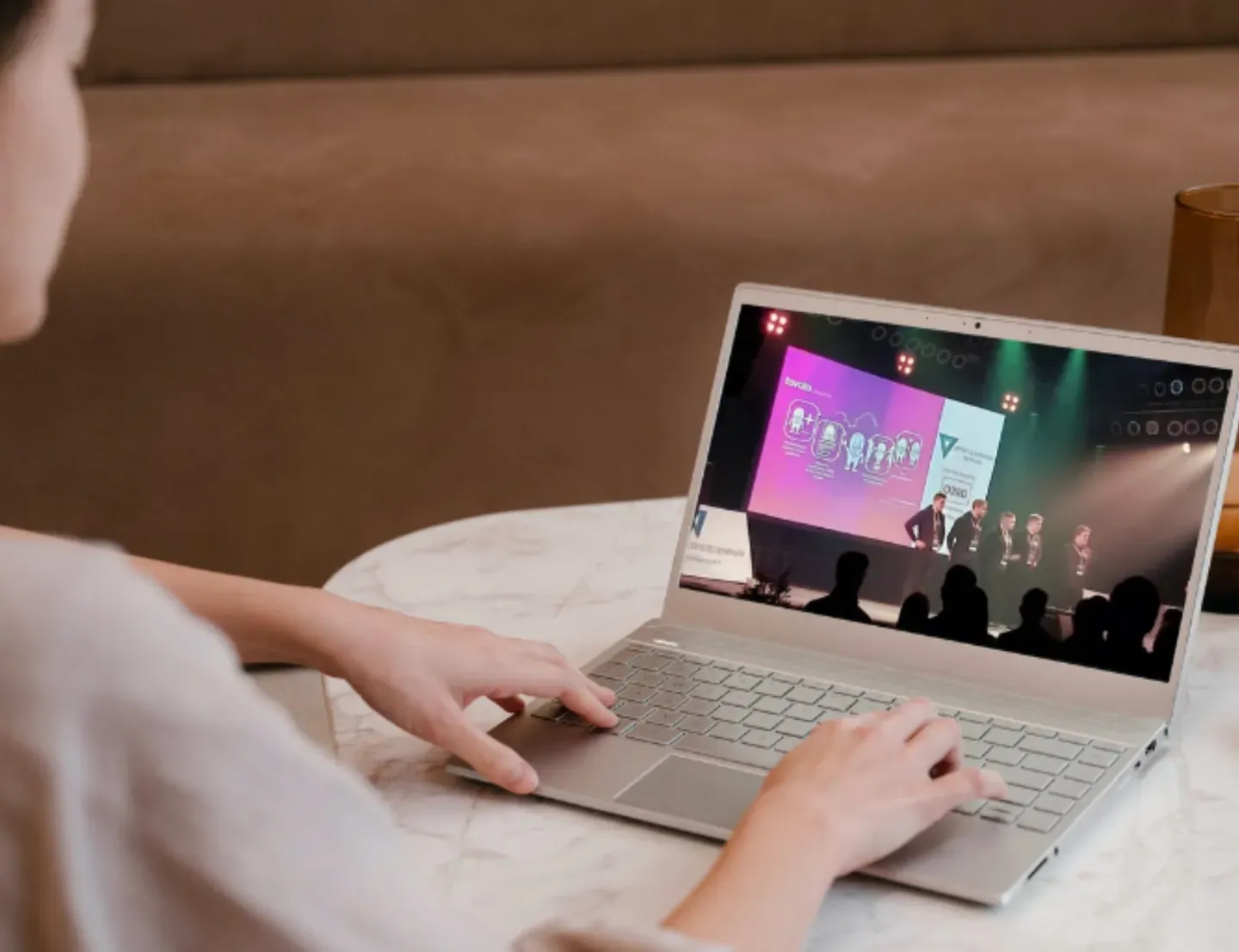
Add the programme and set the meeting times. If you use Eventilla, delegates open Tavata from their registration confirmation. With another system, send them the event code.
What does an organiser do to set up Tavata?
You create the event, choose the features you want and add the programme.
When registration runs in Eventilla, the attendees are in the app already with their profiles filled from the registration, so you do not import lists or ask anyone to sign up twice.
Every organiser gets an introduction to the tool, and our team can also set up and run the app for you. See how Eventilla and Tavata work together.
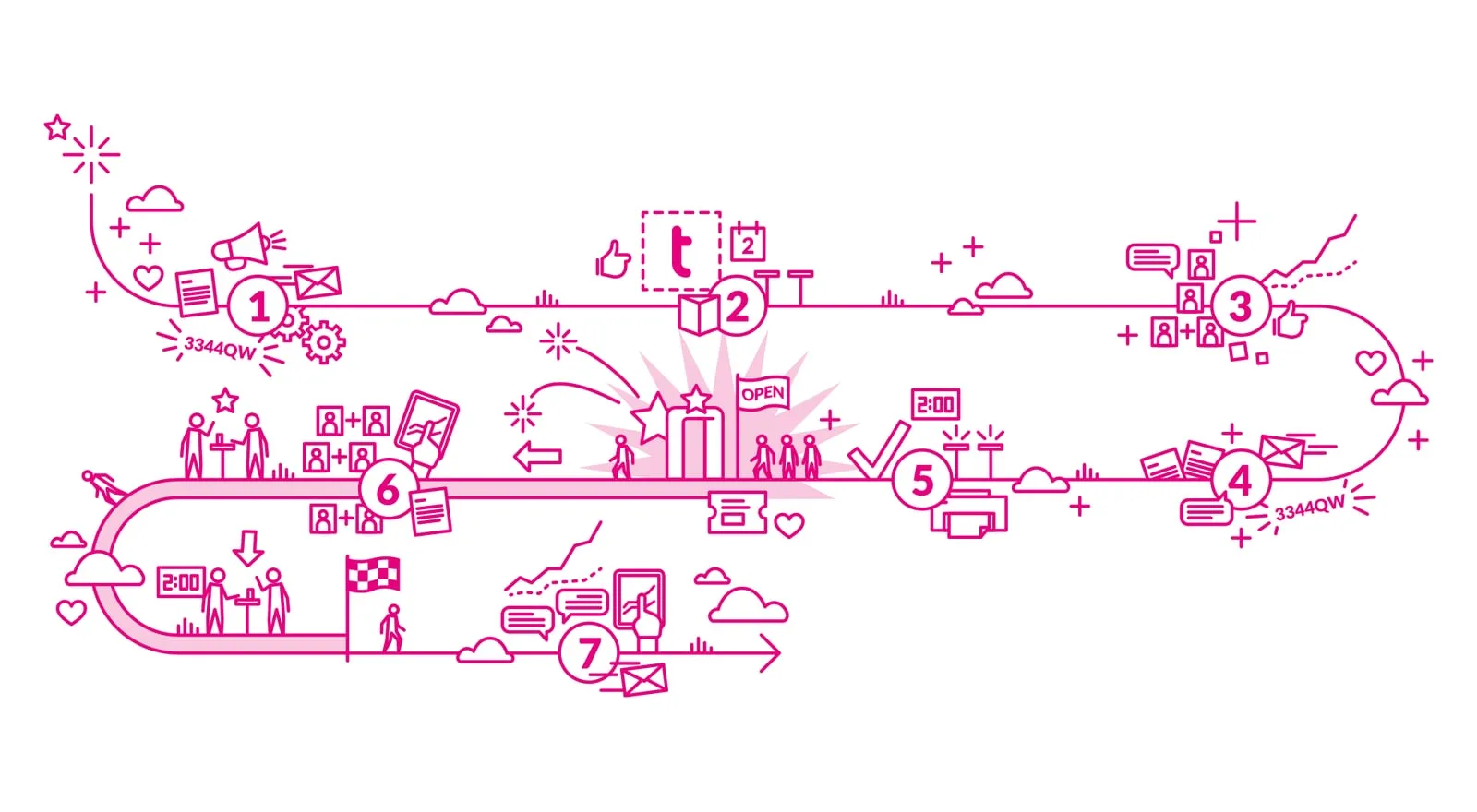
Set-up in four steps

1. Create the event in its own look
Give the event its name, dates, logo, colours and banner. Attendees use the same Tavata at every event, and your event opens in its own look inside it.

2. Add the programme and materials
Enter the sessions, speakers, stages and materials in the management view, or let your organisation's own AI tools add them through Eventilla's MCP server.

3. Decide how people meet
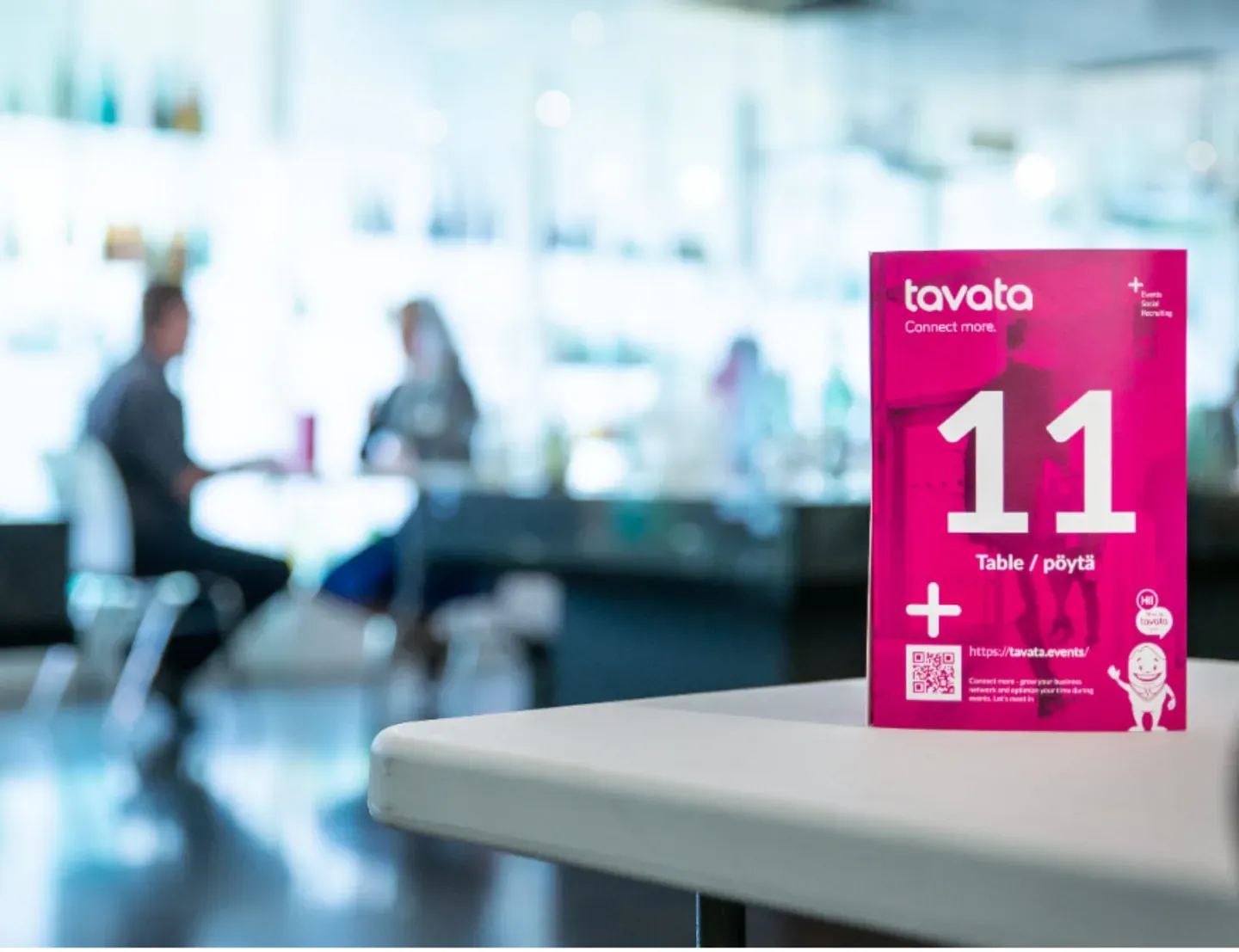
Set the roles, the offer and seek options and the meeting slots, and choose whether meetings are held at numbered tables, by video or both.

4. Open the app to attendees
With Eventilla the link to the app is in the registration confirmation. With another registration system attendees join with an event code.
Example: the programme from a file into the app
The programme usually exists already as an Excel sheet or a Word document. Your organisation's own AI tool can put it into the app, so nobody enters the sessions one by one. You can always do the same by hand in the management view.
What you need
You need the programme as a file and an AI tool that accepts an MCP connection, such as Claude, ChatGPT or Microsoft Copilot. The connection to Eventilla's MCP server is added to the tool once, and we give you the instructions for it.
1. Import the programme
Give the programme file to the AI tool and ask it to pick out the sessions, times, stages and speakers.
2. Check
Ask the tool to list what it is about to add before it adds anything. Compare the list with the file and correct the mistakes, such as a missing speaker or a wrong time.
3. Publish
When the list is right, the tool puts the programme into the app through Eventilla's MCP server. Check the result in the management view. When the schedule changes later, tell the tool, and the change reaches every attendee at once.
What the app includes
You choose which features your event uses.
Programme and personal schedules
Several days, stages and parallel sessions fit in one programme. Each attendee picks sessions and gets a personal schedule that also holds their meetings.
Attendee list and matching
Attendees see who else is coming. Tavata matches what one attendee offers with what another seeks and suggests the best contacts, and attendees can search and filter the list.
1:1 meetings and group meetings
Attendees book 1:1 meetings for the slots you have set. On site each meeting gets a numbered table. When more than two people are needed, attendees can arrange a group meeting.
Video meetings, video rooms and streams
Remote attendees hold their meetings by video inside Tavata. You can add open video rooms to the programme and embed live streams and recordings in it.
The event's own look
Each event has its own logo, colours and banner. Tavata is not published under your organisation's own name in the app stores. Attendees install Tavata once, and your event opens in its own look inside it.
Stands for partners and exhibitors
Partners, sponsors and exhibitors get a stand in the app, with an introduction, materials and a chat, and attendees can book meetings with their representatives.
Materials in one place
Presentations, the venue map, recordings and partner materials are in the app, so attendees find them during and after the event.
Messages to attendees
You send a message to all attendees or to a chosen role, such as speakers or exhibitors, straight from the management view.
Real-time statistics
You see how attendees use the app and how many meetings have been booked while the event is running, and you have the figures for your report afterwards.
All major languages
Attendees use the app in their own language: English, Finnish, Swedish, German, Spanish, French, Dutch, Italian, Portuguese, Polish, Norwegian, Danish, Estonian, Japanese and Ukrainian. More on the facts page.
Public event listing
If you want, your event is shown on Tavata's list of public events, which helps new attendees find it.
Introduction and support
The service includes an introduction for the organiser. We help before, during and after the event, and our team can run the app for you.
Before, during and after the event
The app opens before the event, so attendees get to know the programme and each other in advance and book their meetings. During the event it is the programme, the map and the meeting schedule in everyone's pocket. After the event the materials and recordings stay available, and networking can continue.
Producing an event for a client?
Your team can build the event in your client’s colours and give buyers and suppliers time to meet between sessions. Start with the client’s registration system and decide who will set up the app.
Organisers who use Tavata




Questions organisers ask
Do we need Eventilla to use Tavata?
No. Tavata is also sold on its own, next to another registration system. With Eventilla the attendees are in the app as soon as they register, with their profiles filled in and their tickets in the app.
Can our own AI tools update the app?
Yes. Eventilla has a live MCP server. Through it your organisation's own AI tools can add the programme and the event's materials to the app and update them when plans change. See the example of a programme going from a file into the app.
Is the app published under our own name in the app stores?
No. Attendees install Tavata once from the App Store or Google Play, and your event opens in its own look inside it. Attendees who do not want the app open the same event in the browser, with nothing to install.
Can you set up and run the app for us?
Yes. Every organiser gets an introduction to the tool, and our team can also set up and run the app for you.
What does Tavata cost?
For up to 100 registered attendees, Tavata starts at €890 if you keep your registration system. Existing Eventilla customers can add the app from €750. A 12-month licence starts at €249 per month. Prices exclude VAT. See pricing.
What kind of event are you organising?
- Conferences and seminarsThe programme, the speakers and the people in one app.
- Recruitment eventsEmployers and job seekers book their meetings before the job fair.
- Buyer–supplier workshopsB2B matchmaking where sellers see buyers and buyers see sellers.
- Member networksA meeting place that stays open between events.
- The organiser’s buying checklistTest the event app and registration system together before comparing supplier quotes.
- Tavata compared with other event appsFact tables with a source for each row.
See how Tavata works at your own event
Every feature free for 14 days. No credit card needed.
Try it free